

Bakeries & specialty food
How it runs today: Custom orders come in by phone, text and Instagram, and end up on slips by the register.
What replaces it: Every order lands in one place, and the right person is alerted the moment it’s in.
Missed calls, lost orders, work that never gets billed. I set up phone answering, order and job tracking, and simple checklists for small businesses in Jacksonville, so calls get answered and finished work gets paid for.
Mike Coleman, founder of Counterline Ops. 21 years in IT.
No obligation, and you don’t pay until it’s delivered. Not ready for a full setup? Start with the AI receptionist.
Emma, your receptionist
Answered at 11:52 AM
Missed call in the lunch rush. Dana wants a birthday cake for Saturday. Call back after 3.
Texted to youExample
Invoice sent$400
Example
21
years in IT
5
years building automations
30 min
free first call
$0
until it’s delivered and working

Most small-business owners work sixty to eighty hours a week on their craft. Then the second shift starts: reconciling orders, chasing checklists, typing slips into a spreadsheet after close. I set up the tools that end the second shift.
If your business runs on some mix of texts, notebooks, spreadsheets and memory, I can help, whatever you do. Here are a few examples, and what replaces the mess.
Example photos, not clients. Don’t see your kind of business? I help that too.
How it runs today: Custom orders come in by phone, text and Instagram, and end up on slips by the register.
What replaces it: Every order lands in one place, and the right person is alerted the moment it’s in.
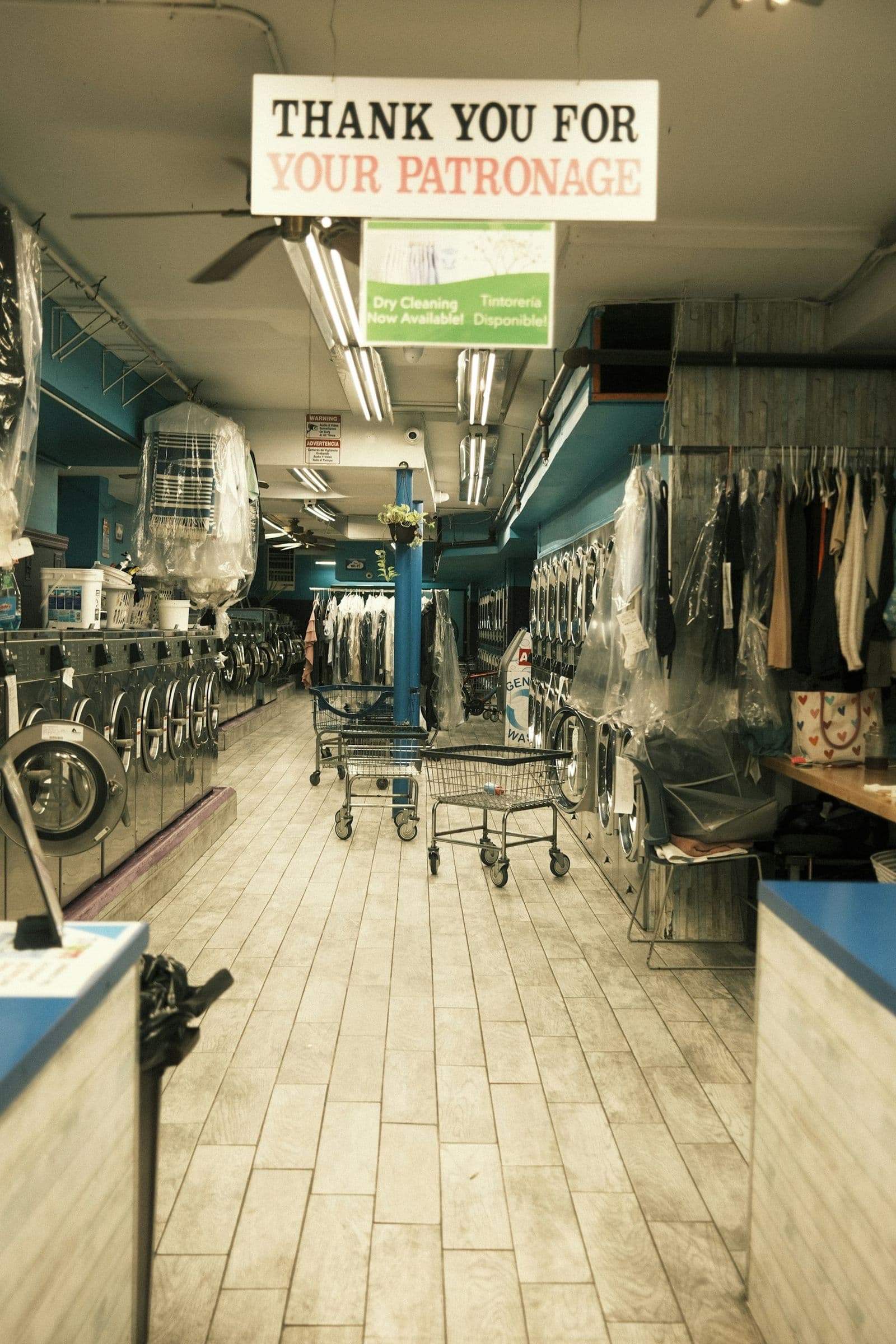
How it runs today: Breakdowns tracked from memory. Pickup routes in one person’s head.
What replaces it: A machine log and pickup board, so you can see which washer keeps failing.

How it runs today: Special orders split between a notebook and a group text.
What replaces it: A shared special-order board, with an alert when an order arrives.

How it runs today: Checklists on a clipboard, filled in from memory at the end of the shift.
What replaces it: Timestamped checklists, with an alert when a check is missed.
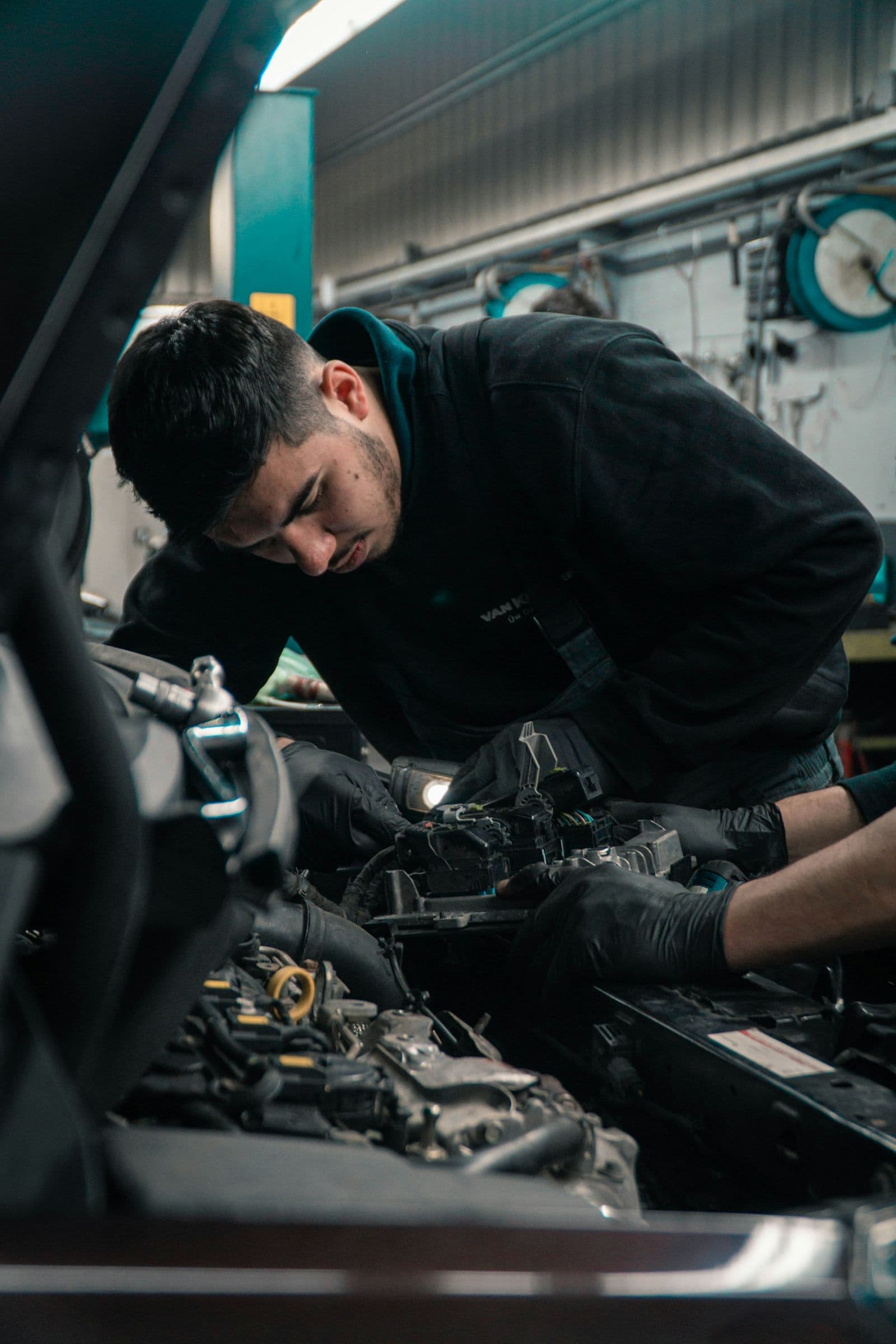
How it runs today: Jobs on a whiteboard, and finished work that never makes it onto an invoice.
What replaces it: Every job tracked from request to invoice, so finished work gets billed.

How it runs today: Quote requests on voicemail, the route on a whiteboard, and invoices written up on Sunday night.
What replaces it: Every stop checked off from the truck, so the day’s work is billed before the crew gets home.
One process at a time, the ones every business owner knows, on tools you likely already have.
An AI receptionist answers when you and your staff can’t. It takes the message or the order and texts or emails you a summary, and anyone who hangs up gets a text back, so a busy rush doesn’t cost you a customer.
Start with the phone.
The AI receptionist on its own: $175 a month plus your own phone service, set up for you. Cancel anytime.
See the price listA reminder before every appointment, a review request after the visit, and a check-in on every quote that goes quiet. Sent by text from your own business number, only to customers who said yes to texts.
Calls, texts and walk-ins all land in one place, and the right person is alerted. Nothing lives on a slip by the register.
Simple forms track each job from request to done, so finished work gets billed and nothing falls through the cracks.
Opening, closing and temperature checks on a phone, timestamped, with an alert when one is missed.
An owner dashboard: today’s calls, orders, sales and anything that needs you, on one screen, without typing anything up after close.
Tuesday, 6:42 PM
Closing checklist
Today’s jobs not updated. Owner alerted.
What you get at close.One summary of the day: what came in, what got handled, and anything that still needs you. No typing it up yourself.
130 minutes, free, phone or video
Walk me through a normal day, from opening to close. You leave knowing the biggest place your business loses time or money, whether you hire me or not.
2$1,500, paid on delivery
I shadow your workflow, map where things get dropped, and give you a written plan with fixed prices. You pay when the plan is in your hands, and if you go ahead with Business Setup, the $1,500 comes off its price.
33–6 weeks
I set up your forms, checklists, alerts and an owner dashboard that shows your whole day on one screen, train your staff, and fix anything that isn’t right for 30 days after handover. You pay when it’s working, checked against the plan.
Flat rates. You’ll know the price before any work starts, and you don’t pay until it’s delivered and working.
What you get, and what it runs on
The price is the design, the setup, the training and a local person to call. Not a software license.
Want even more polished screens? I can build on Glide or Softr instead, with that subscription in your name.
A quick way to size it up
If paperwork after close takes you 2 hours a night, six nights a week, that’s 12 hours a week, or about 50 hours a month. Getting even half of that back is about 25 hours a month you can spend on the business, or at home.
Or count it in dollars: if one $400 job a week slips through without an invoice, that’s more than $20,000 a year.
An example to size up your own week, not a promised result.
Not sure where to start? The first call is free.
Book your free 30-min call
Counterline Ops gives everyday small businesses the kind of tools big companies take for granted. I find where your day leaks time, then set up simple forms, alerts and phone answering your staff will actually use.
I’m one local person, not a software company. I’m based in Jacksonville, come on site to shadow a shift and train your staff across Northeast Florida, and handle the rest remotely. I’m taking on my first Jacksonville clients now, so you’ll be working with me directly.
Mike Coleman
Founder, Counterline Ops
21 years in IT, across networking, help desk and production support. For the last 5, I’ve built automations that take repetitive, manual work off people’s plates, and kept the systems people depend on running.
I’m not a baker or a mechanic. I’m a systems person. You know your business; I find where it’s losing time and money, and fix it.
Call or text (904) 513-8572
Yes. It’s 30 minutes, by phone or video, with no obligation and no pitch deck. I ask how a normal day runs and tell you where I think time or money is slipping. If I’m not the right fit, I’ll say so.
Only once the work is delivered. The first call is free. The walkthrough is paid when you have your written plan. Business Setup is paid when everything in that plan is working: we go through it together at handover, and payment is due within 7 days. Anything beyond the plan is quoted separately before I start.
It picks up when you and your staff can’t, like during a rush or after hours. It can answer common questions such as your hours, take a message or a simple order, and text or email you a summary. It doesn’t quote prices or diagnose problems: for those, it takes the caller’s details and tells them you’ll call back. You decide what it says, and I set it up and test it with you before it takes a real call.
Three texts most businesses mean to send and don’t: a reminder before each appointment, so fewer people forget; a review request after the visit, with a link to your Google page; and a check-in a few days after a quote goes quiet. It’s included free with Business Setup, or $750 on its own if you only want the receptionist. It runs on your phone service, usually about $10–$30 a month in texts.
They shouldn’t. Reminders only go to people who booked. Review requests and quote check-ins only go to customers who agreed to get texts, one or two messages at most, written in your business’s own voice, and anyone can reply STOP. You see and approve every message before it goes live.
You can, for about $50 a month. What you’re paying me for is the setup, writing what it says for your business, testing it with you before it takes a real call, and having a local person to call when it gets something wrong.
Usually not. I build on your own Google Workspace account: a phone app for your staff and you (made with Google AppSheet, which comes with most Workspace business plans), alerts, and a one-screen dashboard. No extra monthly software bill from me, and you own everything I build. If you want even more polished screens, I can build on Glide or Softr instead, with that subscription in your name. The AI receptionist runs on a phone service in your own name, usually about $50–$100 a month paid directly to them, plus my $175 a month.
It shouldn’t be. I start from what you already use. If your software handles something well, I leave it alone and fix the gaps around it, like missed calls or work that never gets written up. Before you commit to anything, I’ll check how your system works and tell you plainly what I can connect to and what I can’t, so nobody ends up typing the same thing twice.
That’s the whole design goal. Each form or checklist takes seconds on a phone or a tablet by the register, and I train your team in person during a real shift.
Your staff open a simple app on their phones, built for your business on your own Google account. Nothing to buy from an app store, and I don’t sell my own software. It’s set up around how your business already works, not the other way around.
Every setup includes 30 days of fixes after handover, at no charge. After that, fixes and changes are covered by the optional Monthly Support plan, or you can pay $500 each time you call me in for a fix.
Most setups go live in 3–6 weeks after the walkthrough, depending on how many forms, checklists and alerts you need.
In most cases, yes. I connect to the tools you already use where they allow it, and I confirm what’s possible before you commit to anything.
Both. I’m based in Jacksonville and come on site to shadow a shift and train your staff across Northeast Florida. Everything else can happen remotely.
Book a free call. You’ll leave knowing where orders, checklists or receipts are slipping through the cracks, whether or not you work with me.